Customize Tiles in Search Screen
For a better user experience, the Search screen in Stay is enhanced to display the tiles selected by users in the dashboard in a carousel. The carousel allows users to scroll through the dashboard horizontally to view the tiles.
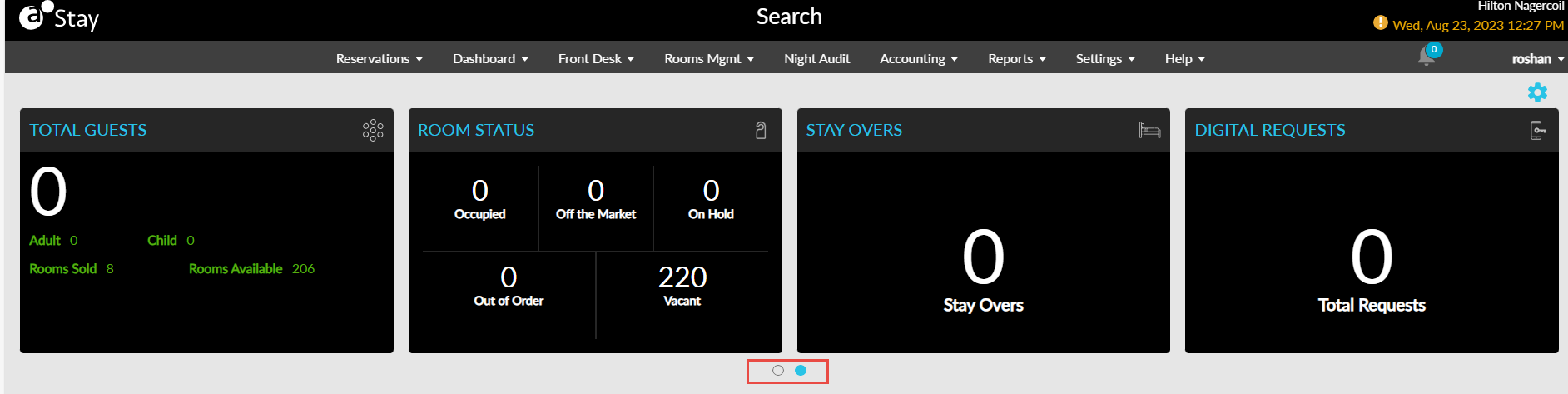
This enhancement also allows users to select all the tiles from the Tiles drop-down list in the Tile Customization pop-up screen (Search ➜ Settings icon) for display in the dashboard. Previously, users could select a maximum of four tiles only.